
Free AI Script Writer: Write Scripts Online With No Sign-Up
You can open a browser and turn a one-line idea into a formatted scene in the next five minutes, for free and without making an account. A free AI script writer does the heavy lifting on the first draft: it takes your premise, genre, and tone, then returns scene headings, action, and dialogue for a film, a YouTube video, a podcast, or an ad.

But «free» is not one single thing. Some tools skip the login wall entirely, others cap how much you can generate, and a few reserve the good parts for a paid plan. This guide covers what the free tier actually gets you, where the limits kick in, which formats it covers, and how to prompt and edit so the draft is worth keeping.
Is There a Genuinely Free AI Script Writer?
Yes — several reputable tools generate a full script for free right now, and many do it without asking you to register. You paste an idea, click generate, and copy the result. The difference between them is less about price and more about whether you have to hand over an email first.
Tools that skip the sign-up entirely
A handful of AI script generators are built for anonymous, instant use, and they make the fastest path from idea to draft:
- Squibler — «no sign-up required,» geared to full-length screenplays.
- Perchance — completely free, no login, no daily usage limit.
- Toolbaz — no login, and it doesn’t store your inputs permanently.
- Synthesia — no sign-up; pick a tone and language and go.
- Teleprompter.com — no account, with runtime and word-count readouts.
The trade-off is memory: no-account tools usually give you no save history and no cloud project. You generate, you copy, you leave. If privacy is the concern rather than convenience, Toolbaz states that it does not store your personal script inputs permanently.
Tools that stay free but ask for an account
Others keep the price at zero but sit behind a light registration. QuillBot offers free access «with some limitations» and unlocks longer-form generation on premium. Canva’s AI script generator — powered by OpenAI — gives you roughly 50 free queries to start. These suit you if you already live inside that platform and want your scripts saved next to your other work.
| Tool | Sign-up needed | Free-tier catch |
|---|---|---|
| Squibler | No | Full-length generation, then editing on you |
| Perchance | No | Unlimited, no daily cap |
| Toolbaz | No | Unlimited; inputs not stored permanently |
| Synthesia | No | Free generations are capped; unlimited is paid |
| QuillBot | Light account | Longer-form is premium |
| Canva | Account | ~50 free queries (OpenAI-powered) |
What «Free» Actually Gets You — and Where the Limits Hit
The honest answer is that «free» mostly costs you length, polish, and save features — rarely the right to use what you write. Before you rely on any free AI scriptwriter for a real project, check where it draws the line:
- How long a single generation can be
- Whether you’re metered by query or by word count
- If save history and exports are premium-only
- What the terms say about commercial use
Knowing which lever each tool pulls saves you from hitting a paywall mid-scene.
The four things that separate free from paid
Length caps. Free tiers often limit a single generation. QuillBot reserves longer-form content for premium, and Synthesia caps free generations with a clear «upgrade to create unlimited scripts.»
Query counts. Some tools meter you by request rather than length. Canva’s AI script generator gives roughly 50 free queries before nudging you toward a plan.
The unlimited outliers. A few buck the trend: Perchance markets itself as free and unlimited with no daily restriction, and Toolbaz advertises unlimited generation at no cost.
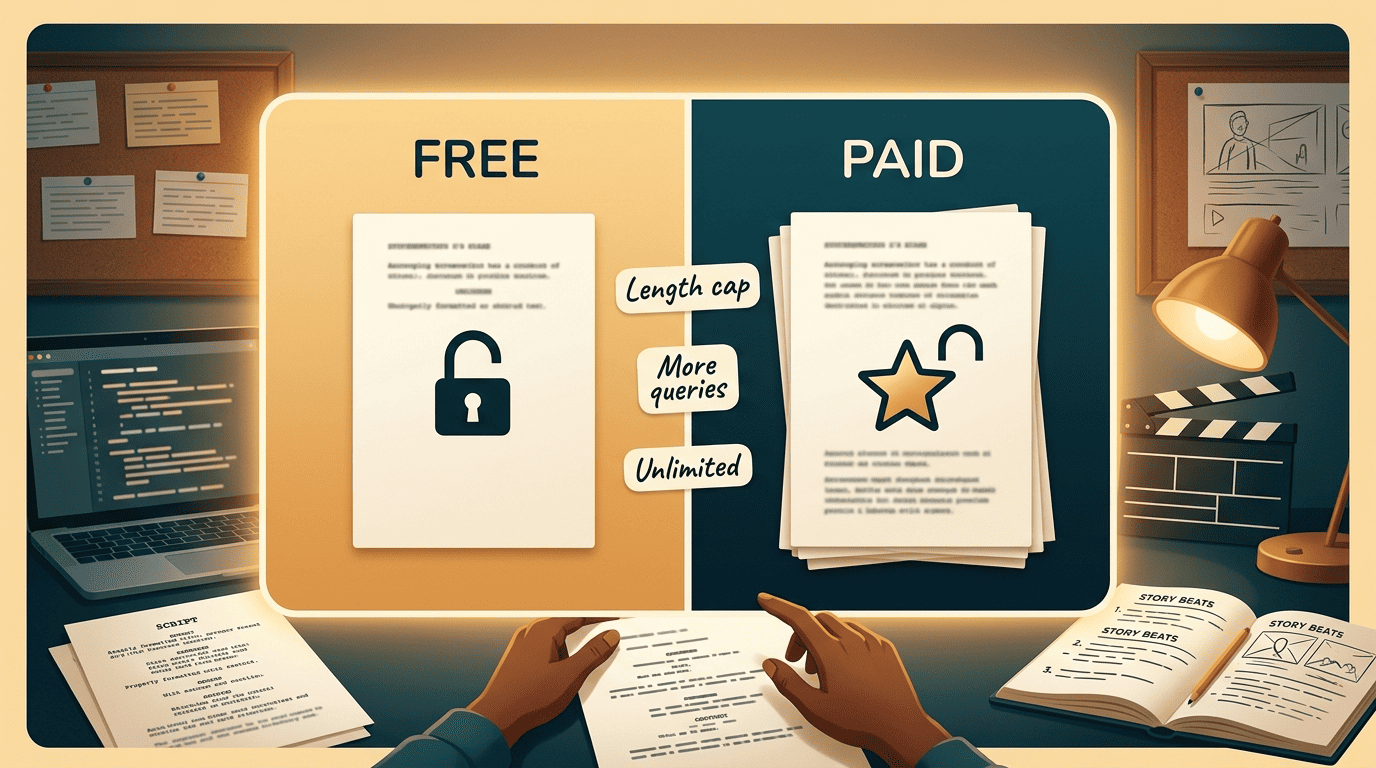
Features behind the wall. Save history, exports, longer scenes, and industry-standard formatting are the usual premium unlocks — not the words themselves.
What you usually don’t pay with: ownership
Usage rights are the part most people worry about and the part that is often fine. Squibler states its output is plagiarism-free and usable for personal or commercial projects, and most tools let you keep what you generate. The practical cost of the free tier is polish and length, not the license — though you should always read the specific tool’s terms before you build a paid project on top of a draft.
The Formats a Free AI Script Writer Covers
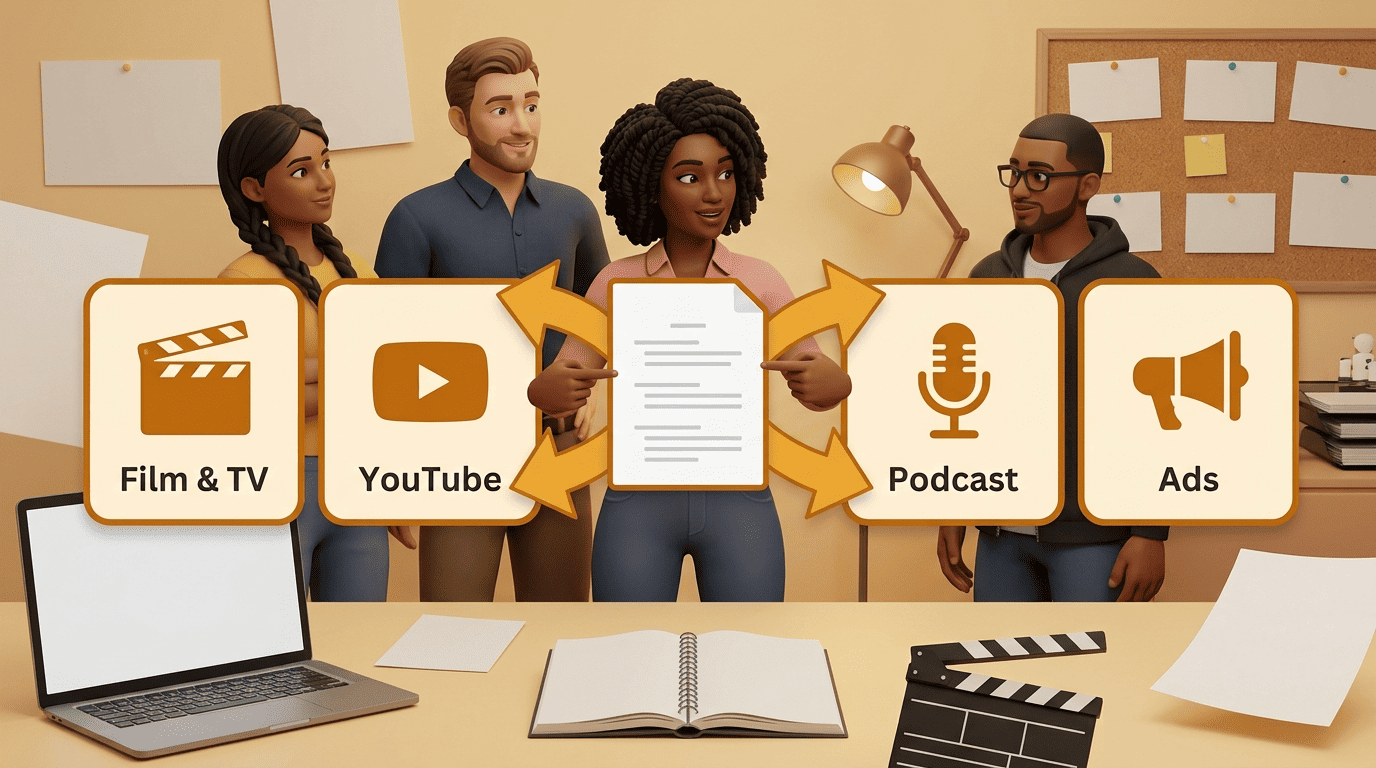
One prompt box can feed very different deliverables. The same underlying AI script generator that drafts a horror short can also write a 60-second podcast cold open — the format is mostly a matter of how you ask.
Screenplays are structure.
William Goldman
Film, TV, and stage
For screenplay-grade output, Squibler builds full-length scripts with scene headings, action lines, and dialogue across comedy, thriller, action, drama, and horror — for movie scripts, TV pilots, and stage plays. Perchance writes in proper script format, scene-by-scene or line-by-line, and handles drama, horror, fantasy, mystery, and even anime series.
This is where an AI scriptwriter earns its keep against the blank page: it produces a structured skeleton you can rewrite, rather than a paragraph of prose you then have to reformat by hand.
YouTube and short-form video
Video creators lean on tools tuned for pacing and hooks. Toolbaz targets YouTube videos, Instagram Reels, and TikToks alongside ads and short films, while Teleprompter.com writes for YouTube, TikTok, Instagram, and LinkedIn and shows a live word count with a 150 words-per-minute reading rate so the script matches your target runtime.
Podcasts and ads
For audio and marketing, QuillBot generates podcast intros, social ads, and explainer scripts — its sample is a one-minute podcast cold open about burnout recovery. Synthesia covers social ads, product explainers, and marketing with four tone presets (Professional, Bold, Casual, Friendly) and output in more than 160 languages.
| Format | Best-fit free tools | What the AI gives you |
|---|---|---|
| Film / TV / stage | Squibler, Perchance | Scene headings, action lines, dialogue |
| YouTube & short-form | Toolbaz, Teleprompter.com | Hooks, CTAs, runtime-matched length |
| Podcast | QuillBot | Intros, segments, host copy |
| Ads & explainers | Synthesia, Canva | Tone presets, tight persuasive copy |
How to Actually Use It Well: Prompt, Draft, Edit
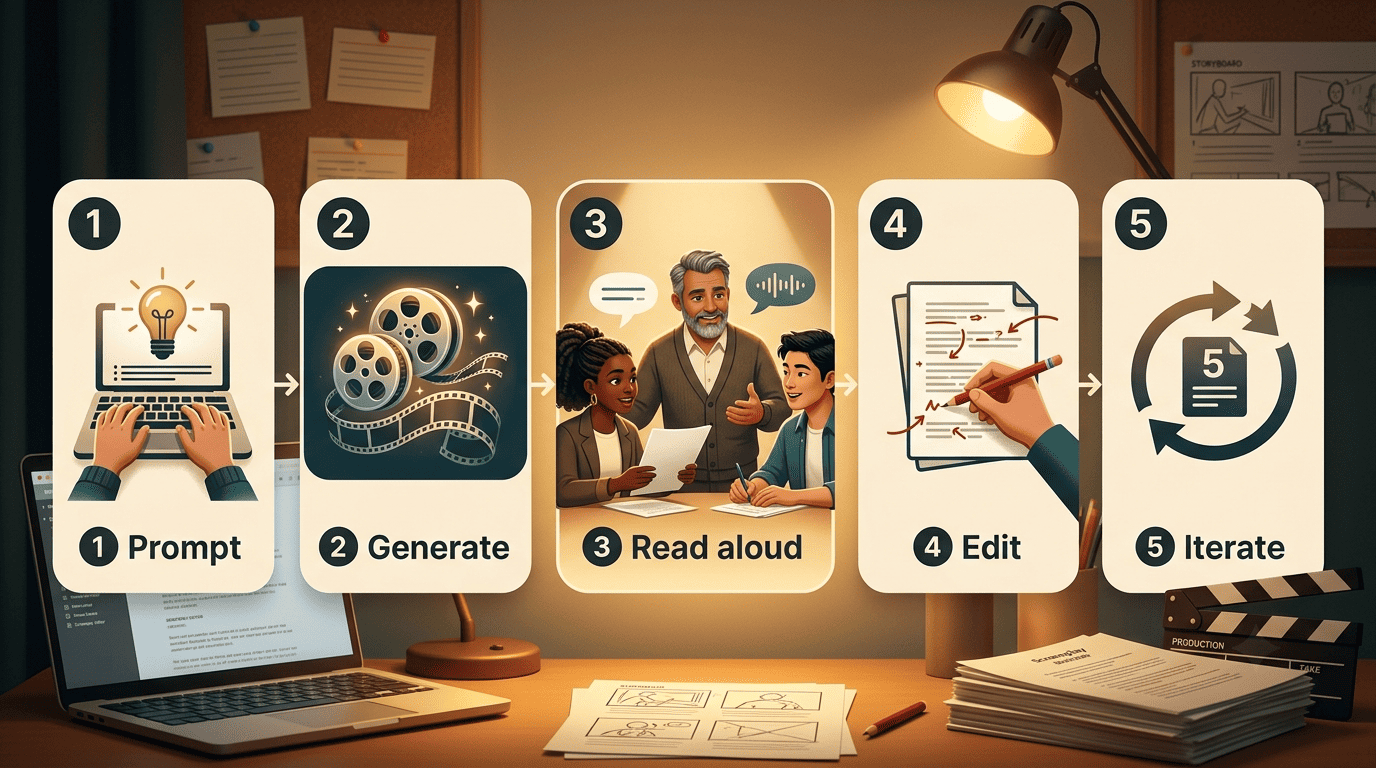
The tools are only as good as your input and your editing pass. Treat the AI script generator as a fast, tireless first-draft partner — not as the final writer. Here is a workflow that consistently turns a vague idea into something shootable:
- Write a specific prompt. Swap «funny video» for «a funny five-minute YouTube video about a cat learning to cook.» Name the characters, setting, tone, genre, and length.
- Generate the draft. Let the tool return its first version. In Squibler this is a two-step move: a short draft first, then a «Generate Full-Length Script» pass.
- Read it aloud. Dialogue that looks fine on screen often sounds robotic in the mouth. Mark every line that trips you up.
- Cut and rewrite. Trim filler, fix stiff exchanges, and make the voice yours. Toolbaz and Squibler both frame their output as a first draft for exactly this reason.
- Iterate the prompt. If the structure is off, adjust the input — more scene direction, a clearer arc — and regenerate rather than fighting the same draft.
- Check the structure. Map the scenes against a proven framework like the three-act structure or a beat sheet so the story actually builds.
For that last step, a reference such as the Save the Cat beat sheet gives you a checklist of story beats to hold the AI’s output against — it is one of the most widely used structural templates in modern screenwriting.
Getting Real Screenplay Format Out of a Free Tool
A chat-style paragraph is not a screenplay. If your goal is a script you can hand to a collaborator or a festival, you need proper formatting — and free generators get you closer than you might expect.
What proper screenplay format means
Standard format is a specific layout: scene headings in INT./EXT. form, action lines, character cues, and dialogue with fixed margins. Free generators like Squibler already output these elements. When you need industry-standard files, the format itself is defined by tools like Final Draft and by the open, plain-text Fountain syntax that virtually every screenwriting app can import.
Moving from AI draft to a formatted script
The clean division of labor is simple: let the free AI scriptwriter handle the words and the scene structure, then let dedicated software handle the industry layout. Copy the AI draft, paste it into a Fountain-friendly editor or Final Draft, and lock the margins and elements. That two-tool combination — free generator plus formatting app — gets you a submission-ready script without paying for the writing itself.
Can You Use AI-Generated Scripts Commercially?
Generally, yes — for drafts you edit and make your own. Squibler markets its output as plagiarism-free for personal or commercial use, and Toolbaz recommends running your final script through a plagiarism checker before any academic or commercial project, which is sensible practice regardless of the tool.

Two caveats keep you safe. First, always read the specific tool’s terms, since licensing language varies. Second, mind platform content policies: Synthesia, for example, will not approve political, inappropriate, or discriminatory content. Edit heavily, verify originality, and the commercial path is clear.