
AI Script Writer for YouTube: Hook-First Scripts That Get Watched
A recording setup, good lighting, and no script is where most YouTube videos quietly die. An ai script writer turns a single topic into a ready-to-film script — a scroll-stopping hook, tightly ordered talking points, and a clean call-to-action — in seconds instead of the hours it takes to write one by hand.
That speed only matters if the script is built for the way people actually watch. YouTube’s own Creator resources are blunt about it: the opening seconds and steady pacing decide whether a viewer stays. This guide shows how to use an AI script generator for YouTube the right way — hooks that hold, structure that retains, and formats from tutorial to vlog to Shorts — then how to hand the script off to voiceover and B-roll.
What an AI Script Writer for YouTube Actually Does
Every tool in this space shares one core loop: you type a topic or title, and the AI script generator returns a full draft with an intro hook, talking points, natural transitions, and a closing call-to-action. A first draft usually lands in 10–20 seconds. From there you refine — tone, pacing, length, and the hook itself.
The value is not the raw text. It is the shape. A scripted video pays off in ways an improvised one rarely does:
- Fewer takes, because you know what comes next.
- Less editing, because there is less rambling to cut.
- Better retention, because the structure is deliberate.
- A repeatable process you can run on every upload.
It is not just ChatGPT with extra steps. Most YouTube script writers run on the same GPT-class large language models as ChatGPT, but they wrap those models in templated prompts, tone controls, and platform-specific structure. Feed a bare model a topic and output quality swings wildly from one try to the next. A purpose-built AI scriptwriter constrains that variance so what you get back is consistently camera-ready rather than a generic essay.
It writes for watch time, not word count. A good script generator organizes a video the way an editor would: promise up front, payoff in the body, momentum between beats. That is the whole reason to script at all — fewer takes, less editing, and a video the algorithm keeps recommending.
How to Use an AI Script Writer for YouTube: Step by Step
Before you generate anything, know that a specific input produces a specific script. «10 examples of lead magnets» gives a sharper result than «lead magnets.» The tighter your title, the more useful the draft. A strong prompt usually names three things:
- The exact topic or working title.
- Who the video is for.
- The tone and rough length you want.
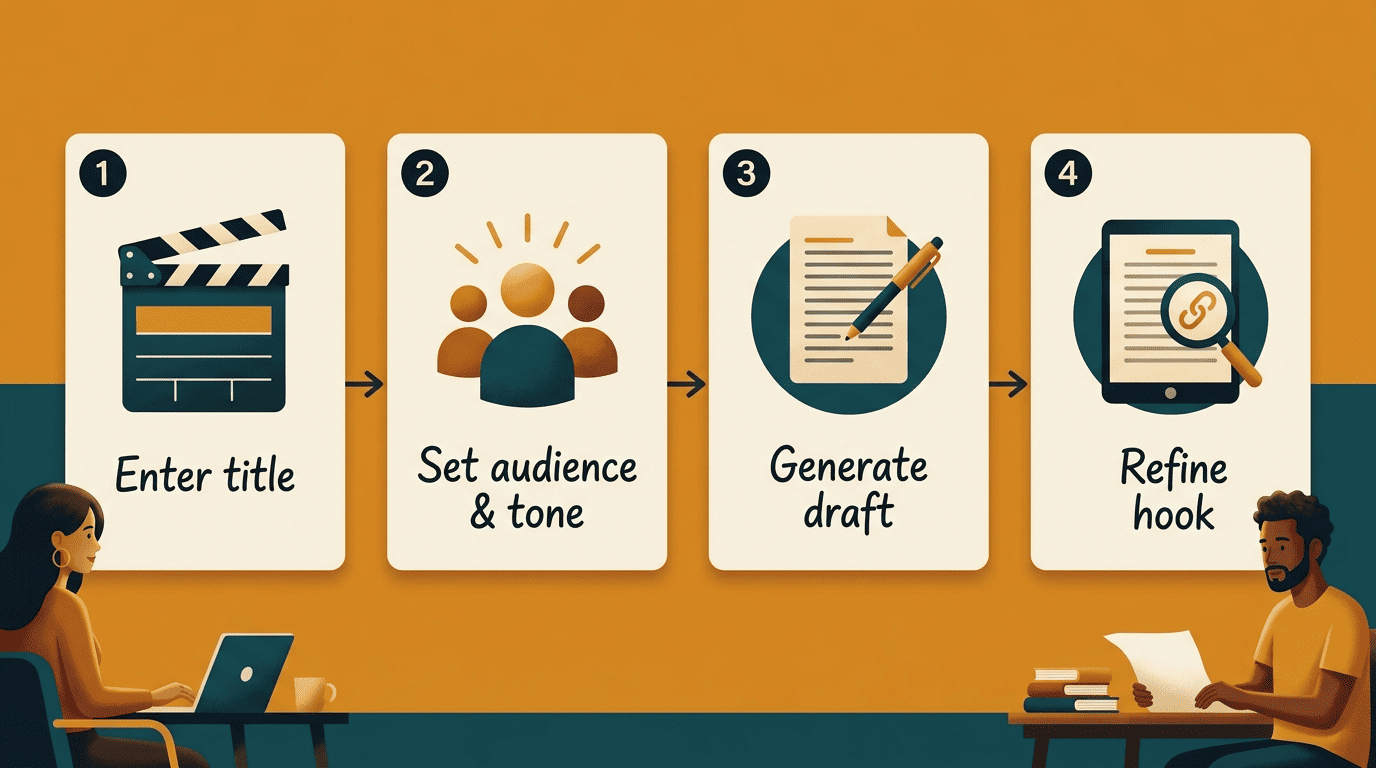
Here is the workflow that works across every AI script generator:
- Enter the topic or full title. A complete, descriptive title beats a vague theme.
- Set your target audience. Who is watching, and what do they already know?
- Choose a tone. Informative, casual, energetic, or authoritative — match your channel.
- Generate the draft. Expect a hook, body beats, and a CTA in seconds.
- Refine the hook first. It carries the most weight; regenerate it several times.
- Adjust pacing and length. Expand thin sections, cut digressions.
- Expand section by section. Re-run the generator on each subheading for detail.
Outline first, then expand
Start by generating a bullet outline — intro, three to seven key points, outro — rather than a wall of prose. Then run the AI script generator again on each subheading to flesh it out and fold the new material back in. This keeps the video’s spine intact while you add depth exactly where it is needed.
Keep your facts at your fingertips
An outline invites you to speak naturally, but it also invites you to forget a number mid-sentence. Drop any statistics, quotes, or references straight into the script so you can glance at them while recording and avoid re-shoots.
Writing Hooks That Stop the Scroll
The first fifteen seconds are the whole ballgame. Viewers decide almost immediately whether to stay, and that early drop-off shows up directly in your audience retention graph — the metric YouTube documents in its own watch time and analytics help. A weak opening caps a video’s ceiling no matter how good the middle is.
An AI script writer is unusually good at openings because it can generate variety on demand. Ask it for several and choose the strongest:
- The promise: state exactly what the viewer will walk away with.
- The open loop: pose a question you only answer later.
- The bold claim: lead with something that sounds almost too strong to be true.
- The relatable problem: name the pain the viewer feels right now.
Generate five hooks, then pick one. Instead of agonizing over a single opening line, have the AI scriptwriter produce five to ten variations and select the one that lands hardest. It is faster, and it almost always beats your first instinct.
Structuring a Script for Retention
Structure is not decoration — it is the difference between a video people finish and one they abandon. As screenwriter William Goldman put it, the craft lives in the architecture, not the individual lines.
Screenplays are structure.
William Goldman
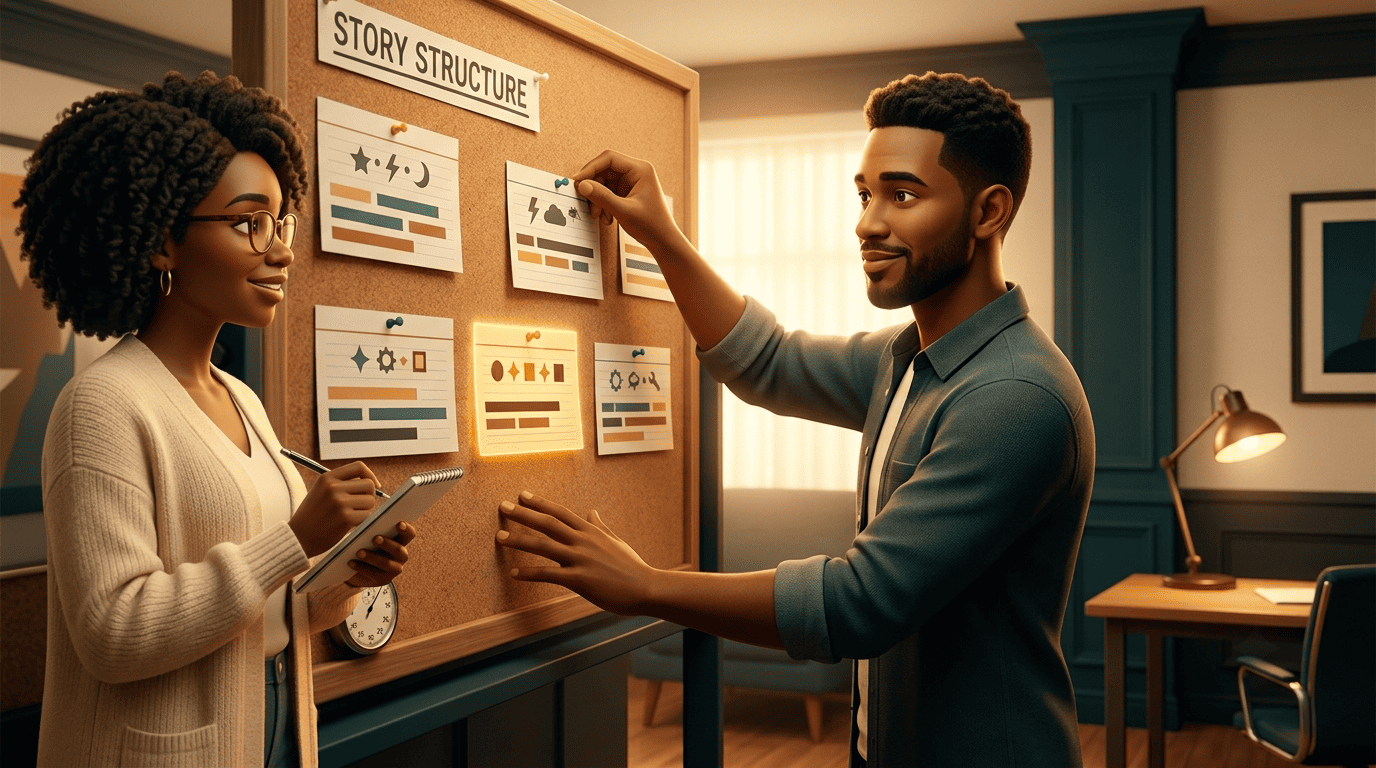
The retention backbone for a YouTube script is simple and repeatable: hook, then context or promise, then three to seven body beats of one to two minutes each, then a recap and a call-to-action. An AI script generator fills each beat while you keep the throughline in view.
Length and pacing
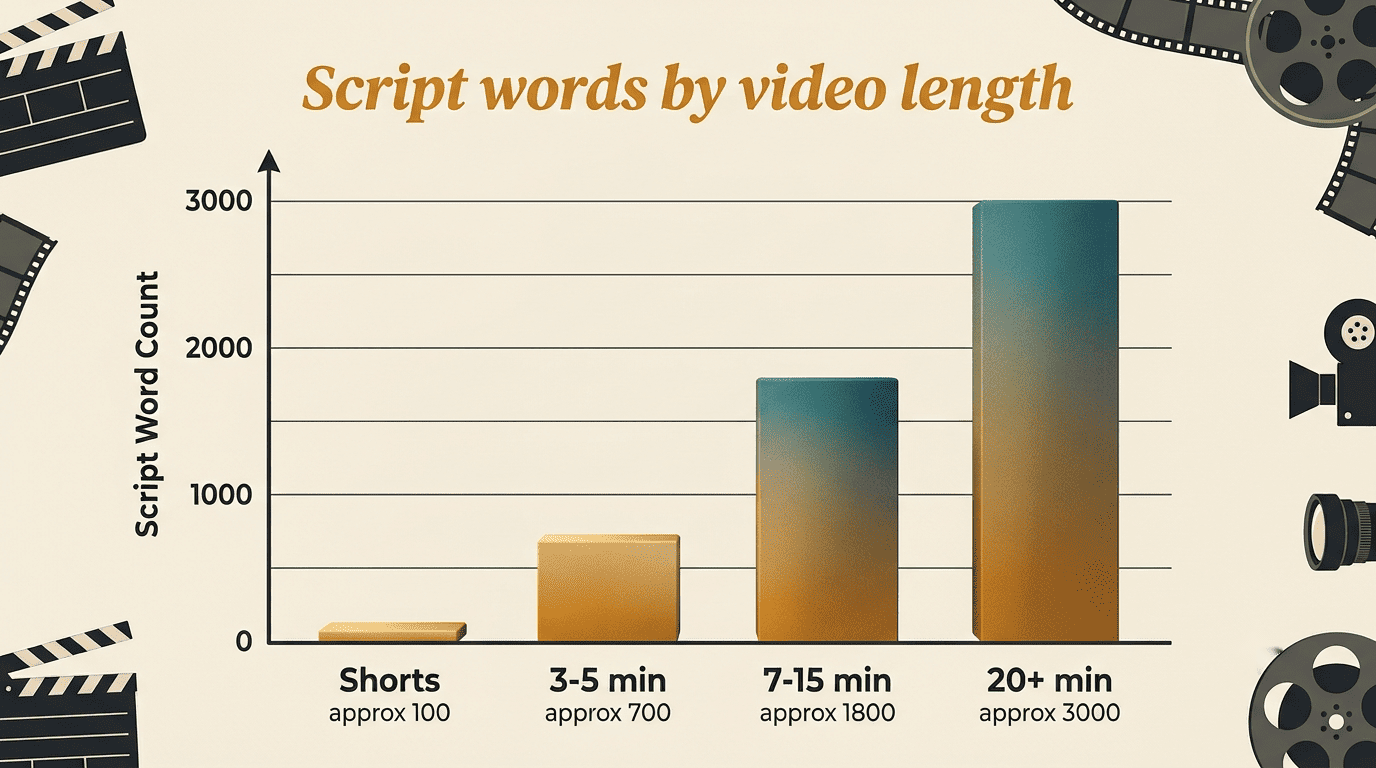
Length follows structure, not the other way around. At a typical 140–150 words per minute, a ten-minute video runs roughly 1,500–2,000 words of narration, and videos in the seven-to-fifteen-minute range tend to perform best. Transitions are what keep those minutes from feeling stitched together — a good script writer builds them in so one point flows into the next.
| Video length | Approx. script words | Best for |
|---|---|---|
| Shorts (15–60s sweet spot) | 40–150 | Hooks, single tips, teasers |
| 3–5 min | 500–900 | Quick tutorials, updates |
| 7–15 min | 1,000–2,500 | Deep dives, essays, reviews |
| 20+ min | 3,000+ | Documentaries, long tutorials |
Pacing you can feel
Vary beat length on purpose. A rapid-fire section followed by a slower, detailed one creates rhythm; a flat, even pace invites viewers to click away. Ask the AI scriptwriter to tighten a saggy middle or add a pattern interrupt where retention typically dips.
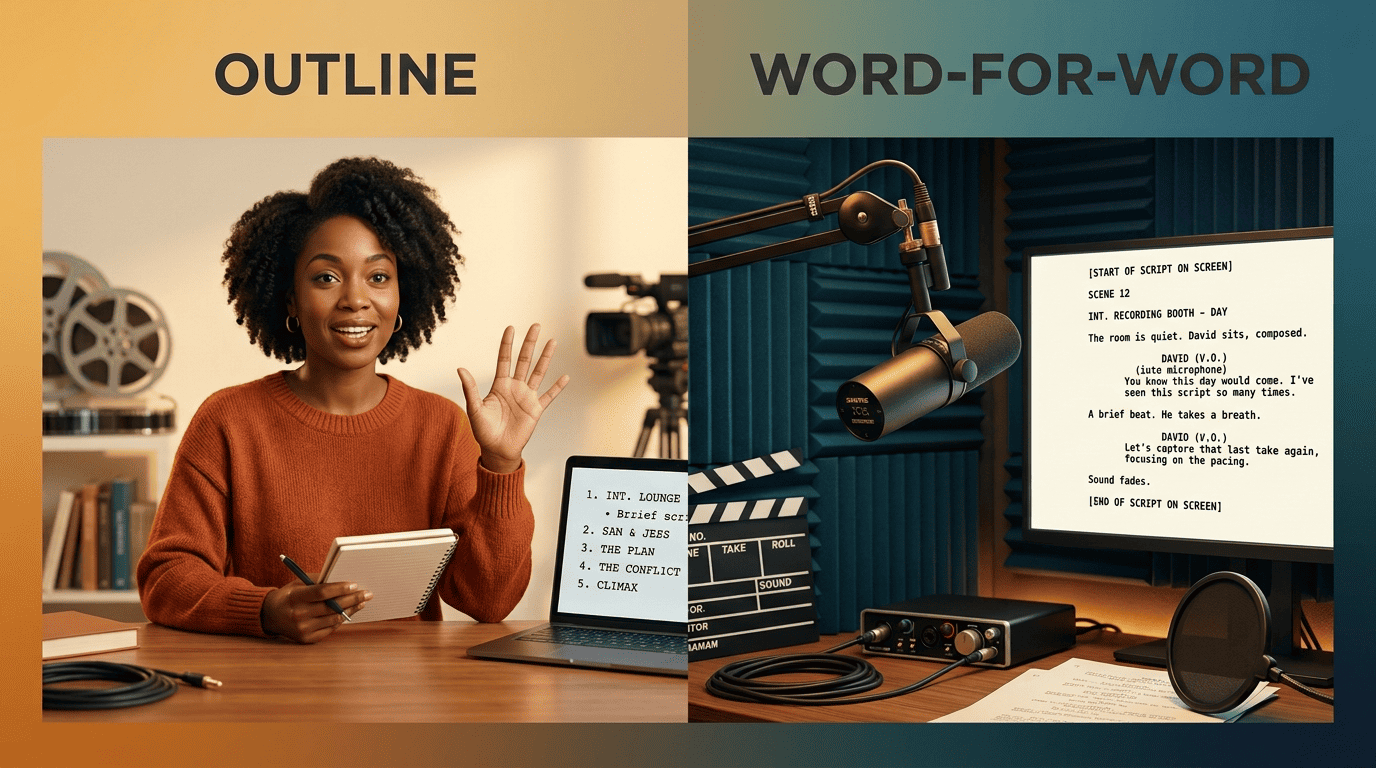
Outline vs Word-for-Word: Which Should You Record From?
There is no single right answer here — it depends on your face, your topic, and your editing tolerance. The choice shapes how you use the AI script generator in the first place.
On-camera creators: lean on the outline
Speaking from a detailed outline almost always sounds more natural than reading a page word for word. It leaves room to phrase things in your own voice and keeps your energy up. This suits vlogs, reviews, reactions, and any personality-led channel where connection matters more than precision.
Technical, faceless, and VO channels: go word-for-word
For dense tutorials, documentary narration, or faceless channels built on voiceover, a full word-for-word script is safer. Every fact is locked in, nothing gets forgotten, and the text drops straight into a text-to-speech engine. This is where an AI script writer genuinely shines — it produces clean, tight narration that reads well aloud.
One Script, Every Format: Tutorial, Vlog, Essay, Review, Shorts
The same assistant writes very different scripts depending on the scaffold you ask for. Matching the format to the structure is half the battle.
Tutorial and how-to. These want a chronological, step-by-step spine with a «what you’ll learn» hook up top. An AI script generator keeps the steps in order and flags where a demo or screen recording belongs.
Vlog and video essay. A vlog runs on a loose beat sheet that leaves space for spontaneity; a video essay needs an argument-driven arc with a thesis, evidence, and a turn. Tell the AI scriptwriter which one you want and the structure changes accordingly.
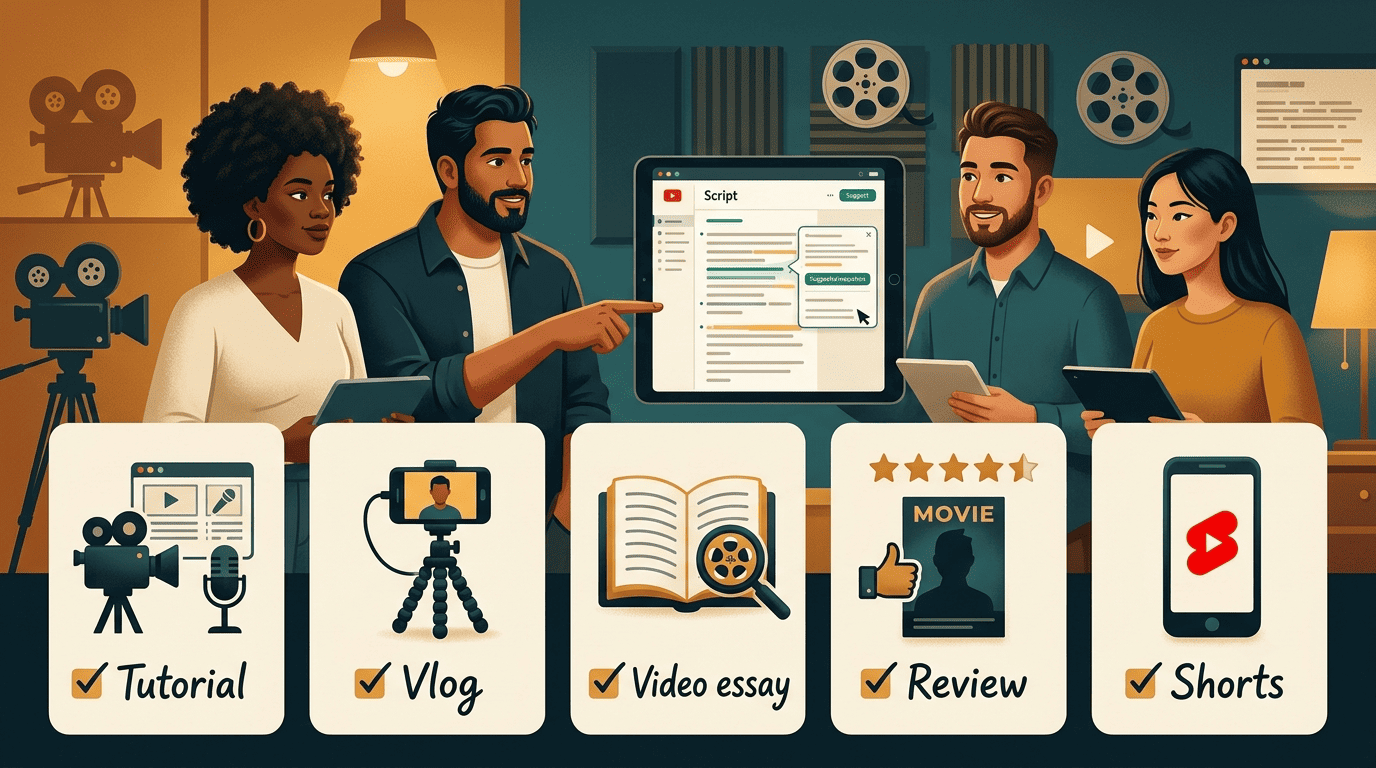
Review. Reviews follow a pros-cons-verdict spine. Ask for a clear recommendation at the end — viewers came for the verdict.
YouTube Shorts. A Short is a different animal. Since October 2024, Shorts can run up to three minutes, but the sweet spot for completion is still fifteen to sixty seconds: hook in the first second, one idea, and a hard call-to-action. Many long-form generators are not tuned for this, so use a dedicated Shorts mode rather than trimming a ten-minute script.
| Format | Structure | Hook style |
|---|---|---|
| Tutorial | Chronological steps | «By the end you’ll be able to…» |
| Vlog | Loose beat sheet | Personal, in-the-moment |
| Video essay | Thesis → evidence → turn | Provocative question or claim |
| Review | Pros → cons → verdict | The stakes of the decision |
| Shorts | Single idea, 15–60s | Instant payoff in second one |
From Script to Video: Voiceover, B-Roll, and Captions
A script is the spine everything else hangs on, so mark up your production cues while you write. Tag lines with [B-ROLL] and [VO] as you go, and editing gets dramatically faster later. A finished script feeds the entire pipeline:
- Voiceover or text-to-speech for narration.
- B-roll and screen recordings mapped to each talking point.
- Captions for accessibility and silent viewing.
- Thumbnail, title, and description drawn from the script’s core promise.
Once the script is done, it becomes the blueprint for the whole package. Voiceover tools turn word-for-word narration into a lifelike track; script-to-video platforms like VEED and Quillbot’s generator can even draft the text in the first place. For animated explainer inserts and motion graphics that break up talking-head footage, a tool like Powtoon produces B-roll you do not have to film. Screenwriters who want true page formatting can even export to a plain-text standard like Fountain and open it in dedicated screenwriting software.
Captions and packaging close the loop. Add captions for accessibility and silent viewing, then let the script inform your thumbnail, title, and description. When the script is strong, every downstream decision gets easier.