
AI Script Writer for Dialogue: Write Lines That Sound Human
Dialogue is the fastest place a script gives itself away, because a reader forgives a shaky plot long before they forgive two characters who talk like the same person. An ai script writer drafts and rewrites conversations in seconds, but the craft of making them sound natural and in character is what separates a usable scene from chatbot filler.
This guide is a workflow, not a tool list. It covers six moves — distinct voice, subtext, on-the-nose versus layered lines, beats and interruptions, punching up flat lines, and knowing which AI tools actually handle dialogue — so the AI does the typing while you keep the voice.

What an AI Script Writer Actually Does with Dialogue
A modern AI script writer for dialogue does three concrete things well:
- Drafts full exchanges from a scenario you describe, in seconds.
- Holds voices consistent as a scene continues across turns.
- Regenerates a single line without disturbing everything around it.
That last point matters more than it sounds: good dialogue is written line by line, and a tool that forces you to reroll a whole scene to fix one clunky reply fights the way writers actually work.
Most tools expose a creativity or temperature control — a slider from 1 to 10 in assistants like Toolbaz, and a 5-to-10 range in others. Lower settings hug your prompt and produce safe, predictable lines; higher settings invent more, at the risk of sending a character off-voice. Treat it as a dial you adjust per scene, not a set-and-forget default. Interrogation scenes want low; a chaotic party crowd wants high.
Where AI helps and where it flattens
AI is genuinely fast at rhythm, banter, and the connective tissue between plot points — the «getting from the door to the couch» lines that stall human writers. Point it at a clear scenario and it fills the gap in seconds.
Its default weakness is the opposite of subtlety. Left alone, an AI scriptwriter writes on-the-nose dialogue, where characters announce exactly what they feel and know. Every fix in the rest of this guide is really about correcting that one tendency.
Give Each Character a Distinct Voice
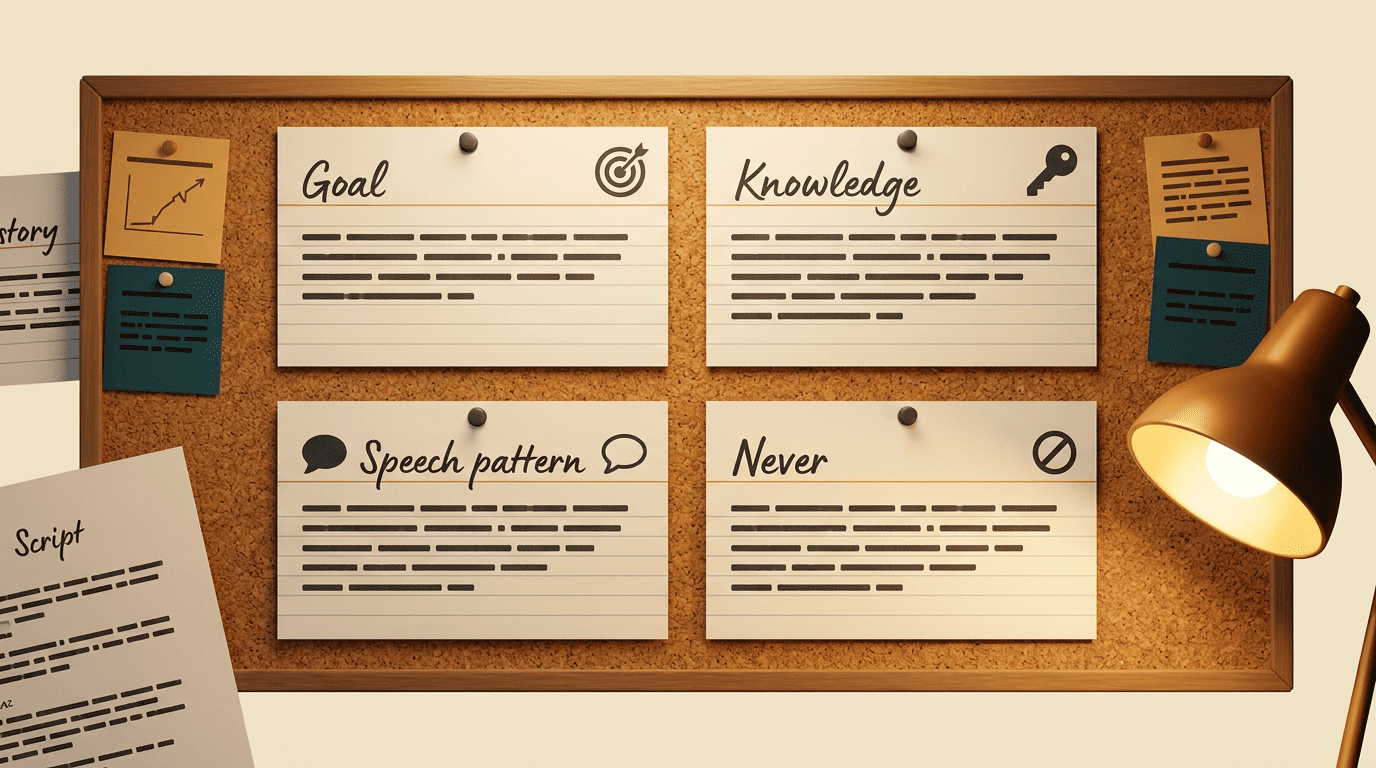
The single most useful habit is writing a one-sentence voice card for each speaker before you prompt. A good card fixes four things:
- Goal — what they want out of this scene.
- Knowledge — what they know that others don’t.
- Speech pattern — sentence length, formality, favorite verbal tics.
- Never — one thing this character would never say.
Feed those cards in and the AI has something to differentiate; skip them and every character converges on the same articulate, mid-register narrator. As the AIFreeBox guidance puts it, define each speaker’s goal, knowledge, and limits in one line — then regenerate only the turns that break voice, not the whole exchange.
Contrast is what sells distinct voice. Prompt a scene between «a grumpy veteran detective who speaks in short sentences» and «a nervous first-time witness who over-explains,» and the two should diverge in sentence length, formality, and how much they volunteer. If both come back sounding equally polished, your cards were too vague.
Voice through word choice, not accent
Distinct voice lives in what a character notices and how they hedge, not in phonetic spelling of an accent. «Ain’t nobody comin'» is a costume; a character who answers a direct question with another question is a voice.
Compare a generic line to a voice-loaded one. Generic: «I’m not sure this is a good idea.» Voice-loaded, for a hedging bureaucrat: «I’d want to see it in writing first — for the file.» Same meaning, but the second reveals how the person thinks. Ask your AI script writer to rewrite a flat line «in this character’s voice, keep the meaning, change how they’d phrase it,» with the voice card still in the prompt.
Subtext: Say Less Than You Mean
Subtext is the meaning running underneath the words — what characters mean but do not say. On-the-nose dialogue states the feeling outright («I’m furious you forgot our anniversary»); layered dialogue lets the feeling leak through a mundane surface topic. Nearly every memorable movie exchange works this way, and it is the hardest thing to get from a raw AI draft.
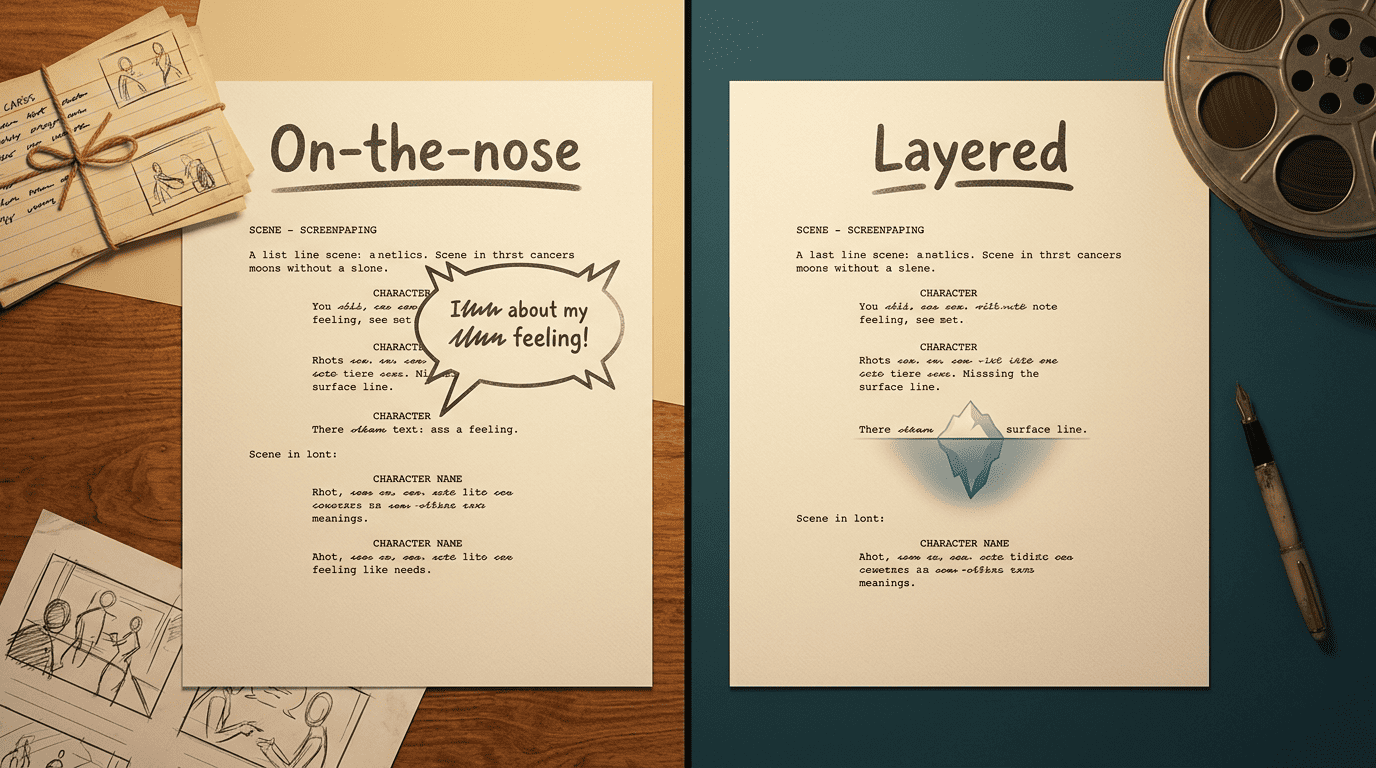
The prompt move is to give the AI a surface topic and a real topic separately. Instead of «write an angry breakup,» try: «Two people argue about whose turn it is to walk the dog. Underneath, they both know the relationship is over. Nobody says that.» The tension now has to hide inside the dog, which is exactly what makes it feel human.
The difference is easiest to see side by side:
| On-the-nose | Layered | |
|---|---|---|
| What’s said | «I’m scared you’ll leave me.» | «You already packed the good suitcase.» |
| Where the meaning lives | In the words | Under the words |
| What AI does by default | This | Only when prompted for subtext |
| Effect on the reader | Told | Trusted to notice |
Turning on-the-nose AI output into layered lines
When the AI hands you a stated-emotion line, run a one-pass rewrite. Take «I’m so angry you forgot our anniversary» and layer it: «Funny. I marked it on the calendar. I guess you don’t read the calendar.» Same anger, none of it named.
If a writer of prose knows enough about what he is writing about he may omit things that he knows and the reader, if the writer is writing truly enough, will have a feeling of those things as strongly as though the writer had stated them.
Ernest Hemingway, Death in the Afternoon
The reusable instruction is: «Convey the emotion through a concrete, unrelated detail instead of naming it.» A calendar, a cold dinner, a phone left face-down — physical specifics carry feeling that abstract statements flatten. You can read more on the mechanics of subtext as a dramatic device, but the working rule is simply: never let a character say the thing the scene is about.
Control Rhythm: Beats, Interruptions, and Pauses
Dialogue is music, and rhythm is the part AI most often gets wrong by making it too smooth. A beat is a small pause or shift inside a scene — the half-second where something changes before anyone speaks again. Real conversation also stumbles: people interrupt, trail off, and answer a question two lines late. You can direct all of this with prompt syntax.
Be specific about structure and the AI will follow it. A prompt like «Eight exchanges, A/B format. Let B interrupt A twice. Insert one [beat] right before A’s confession» produces something with a pulse instead of a tidy back-and-forth. Specify turn count and speaker tags the way AIFreeBox recommends, and request stage cues like «[beat]» or «(sighs)» only where the moment earns them.
The trap is over-cueing. A page dotted with (pauses), (sighs), and (long silences) reads like an amateur stage direction dump. Use them the way you’d use hot sauce.
The read-aloud test
The oldest dialogue test still beats every metric: read it out loud. Paste the AI’s scene, perform both parts, and cut any line you stumble over or that no real person would say in that moment.
Reading aloud catches three things at once — tongue-twister phrasing, unnatural length, and lines that are technically correct but emotionally dead. When a sentence runs too long to say in one breath, trim it. When a statement feels abstract, swap it for a concrete action or object. Do this pass every time, because AI writes for the eye and dialogue lives in the ear.
Punch Up Flat Lines Without Flattening the Voice
The most dangerous button is «make this better.» Asked to improve a whole scene, an AI script generator tends to smooth every character into the same clean, quippy register — funnier, maybe, but now the gruff mechanic and the anxious intern trade jokes at the same wit level. You gain polish and lose the cast.
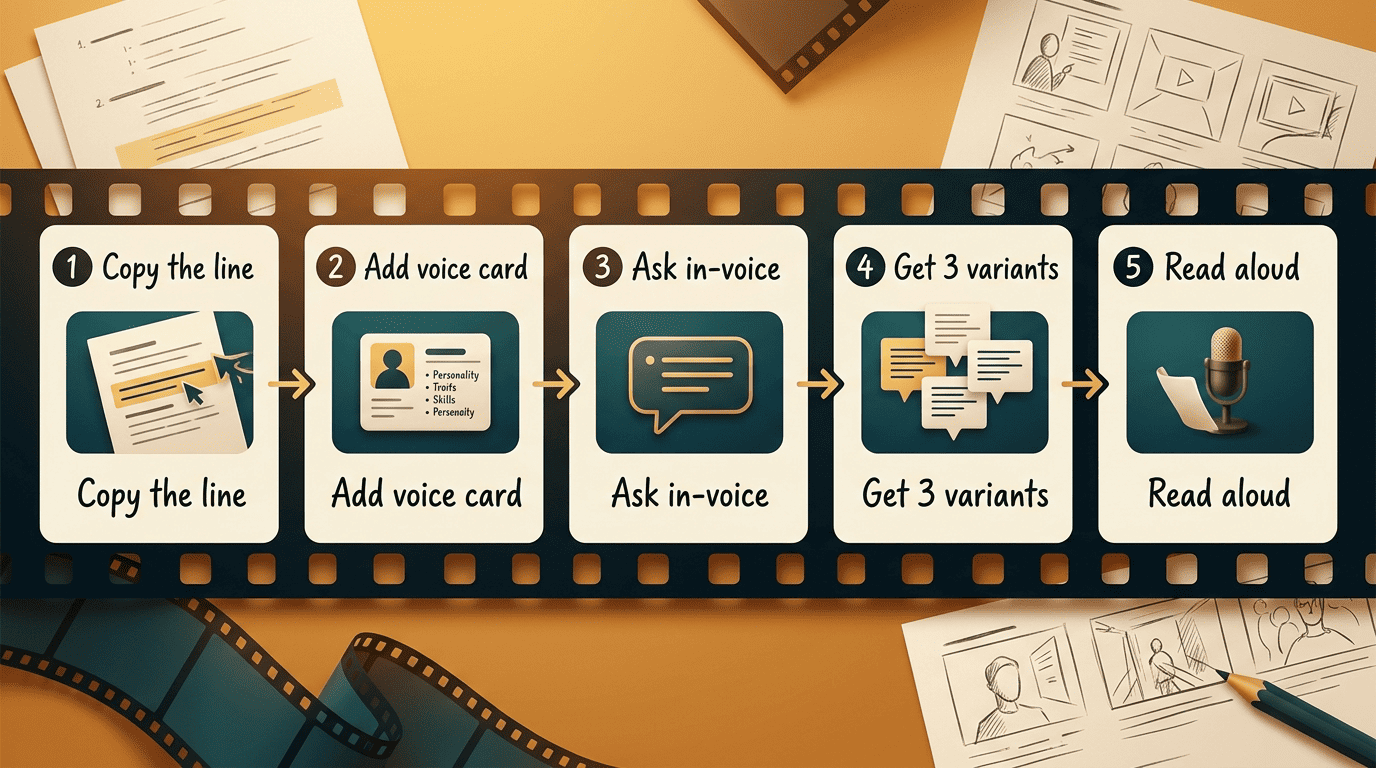
Punch up surgically instead. Rewrite one line at a time, keep that character’s voice card in the prompt, and name the change in their terms: «Make this funnier, but she’s dry and never uses exclamation points.» Iterate in small moves and check each against the voice card. Here is a repeatable loop:
- Copy the single flat line into a fresh prompt.
- Paste the speaker’s one-sentence voice card above it.
- Ask for a specific change (funnier, colder, more evasive) in that voice.
- Generate three variants, not one.
- Read all three aloud and keep the one that still sounds like the character.
- Paste it back and move to the next line.
Treat the tool as a collaborator handing you raw material, not a replacement for your judgment — the emotional depth is still yours to add.
AI Tools That Handle Dialogue
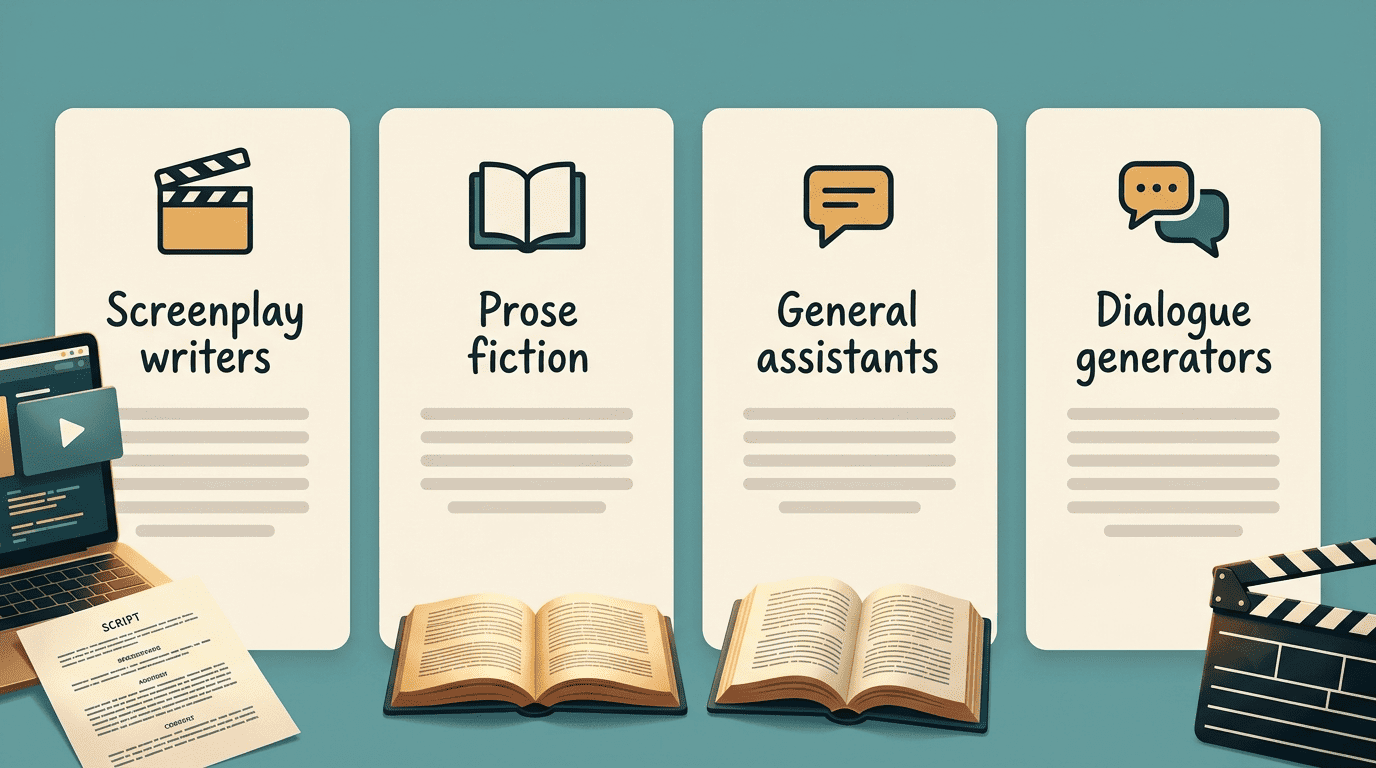
Not every AI writer is built for character work, so it helps to match the tool to the job. The table below groups the common options by what they are actually good at for dialogue.
| Tool type | Best for dialogue when | Watch-out |
|---|---|---|
| Screenplay-focused writers (e.g. Squibler) | You need formatted scenes plus scene-by-scene voice consistency | Still defaults to on-the-nose lines |
| Prose-fiction writers (e.g. Sudowrite) | You want novel dialogue that matches an established character’s voice | Formatting is prose, not screenplay |
| General assistants | You need quick banter or a rough draft to react to | Weakest at sustained distinct voice |
| Dedicated dialogue generators | You want fast multi-turn exchanges with tone controls | Short scenes; thin on subtext |
Screenplay-oriented tools such as Squibler handle formatting, scene headings, and voice continuity across a draft, and let you regenerate any single line while keeping the scene intact. Prose tools like Sudowrite lean toward fiction, and are strong when you want dialogue that stays true to a character you have already established over many chapters. General-purpose assistants are fine for a first rough pass but fade fastest on sustained voice.
Whatever the engine, the craft is the constant. A dialogue tool understands pacing, conflict, and rhythm well enough to give you a draft, but the six moves above are what turn that draft into lines an actor would want to say. For screenwriting specifically, an AI script generator built around scene format keeps you closest to a shootable page.